
The board

The whiteboard is yours to change

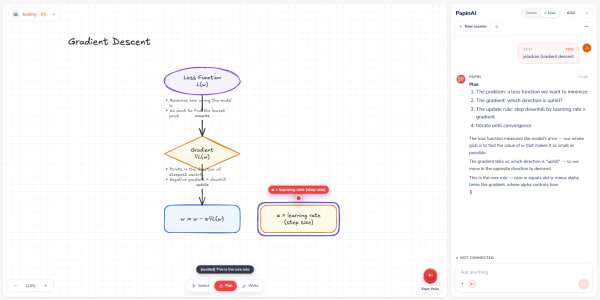
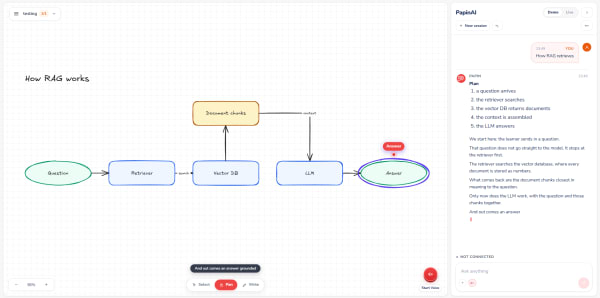
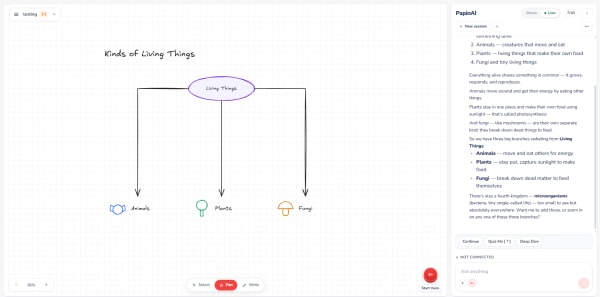
Papin draws while it explains — and everything it draws stays editable. Move a box, fix a label, redraw an arrow, or ask about any object without leaving the diagram.

On the board

Every object is askable

Cut in mid-sentence, select a box, or select several at once. Papin answers on the diagram already in front of you.

  • EnergyKinetcKinetic
    It draws. You correct it. It keeps teaching from what you changed.

    Interrupting does not start over

    Papin stops, answers on the diagram already drawn, and carries on — nothing is erased.

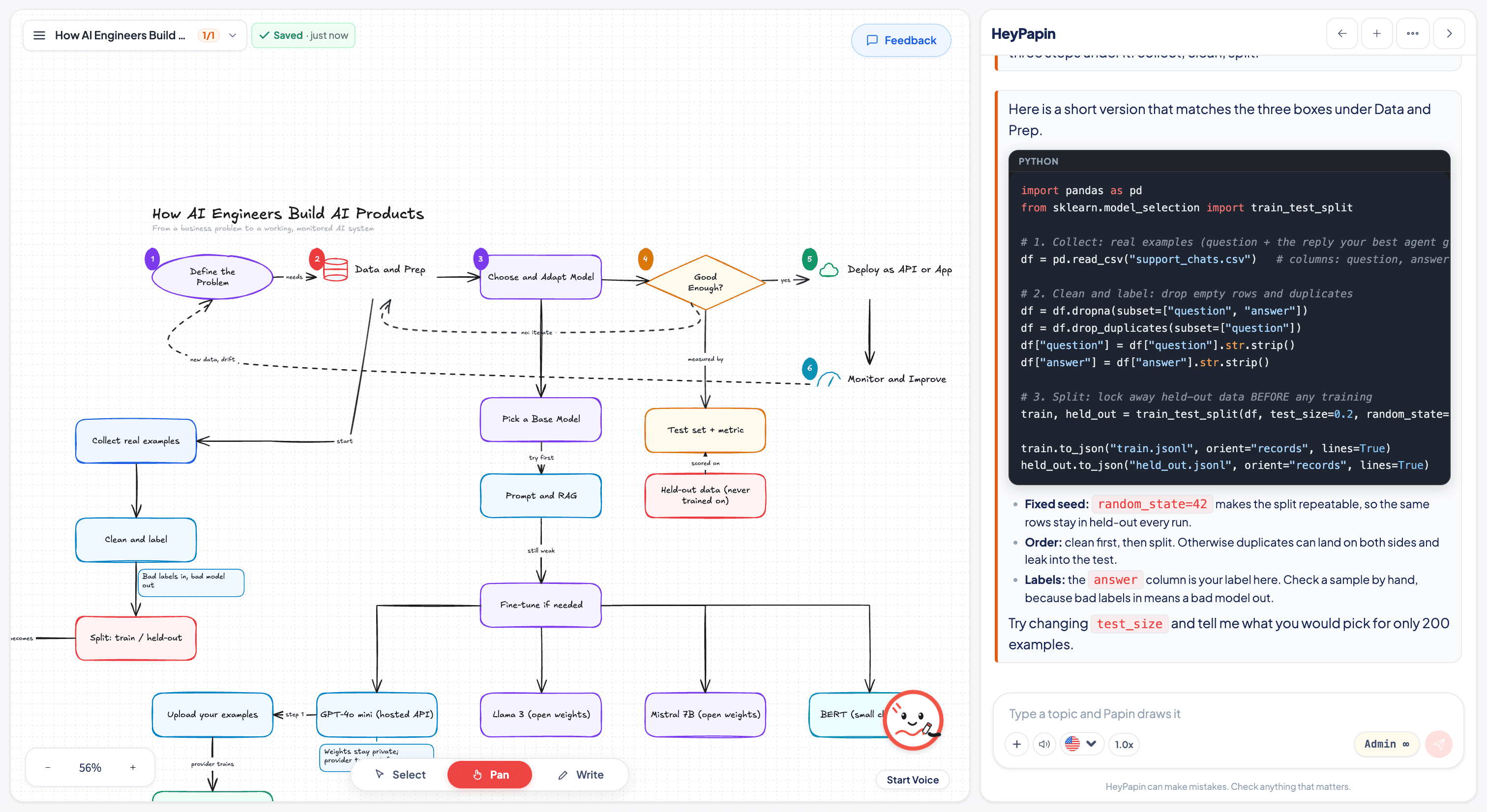
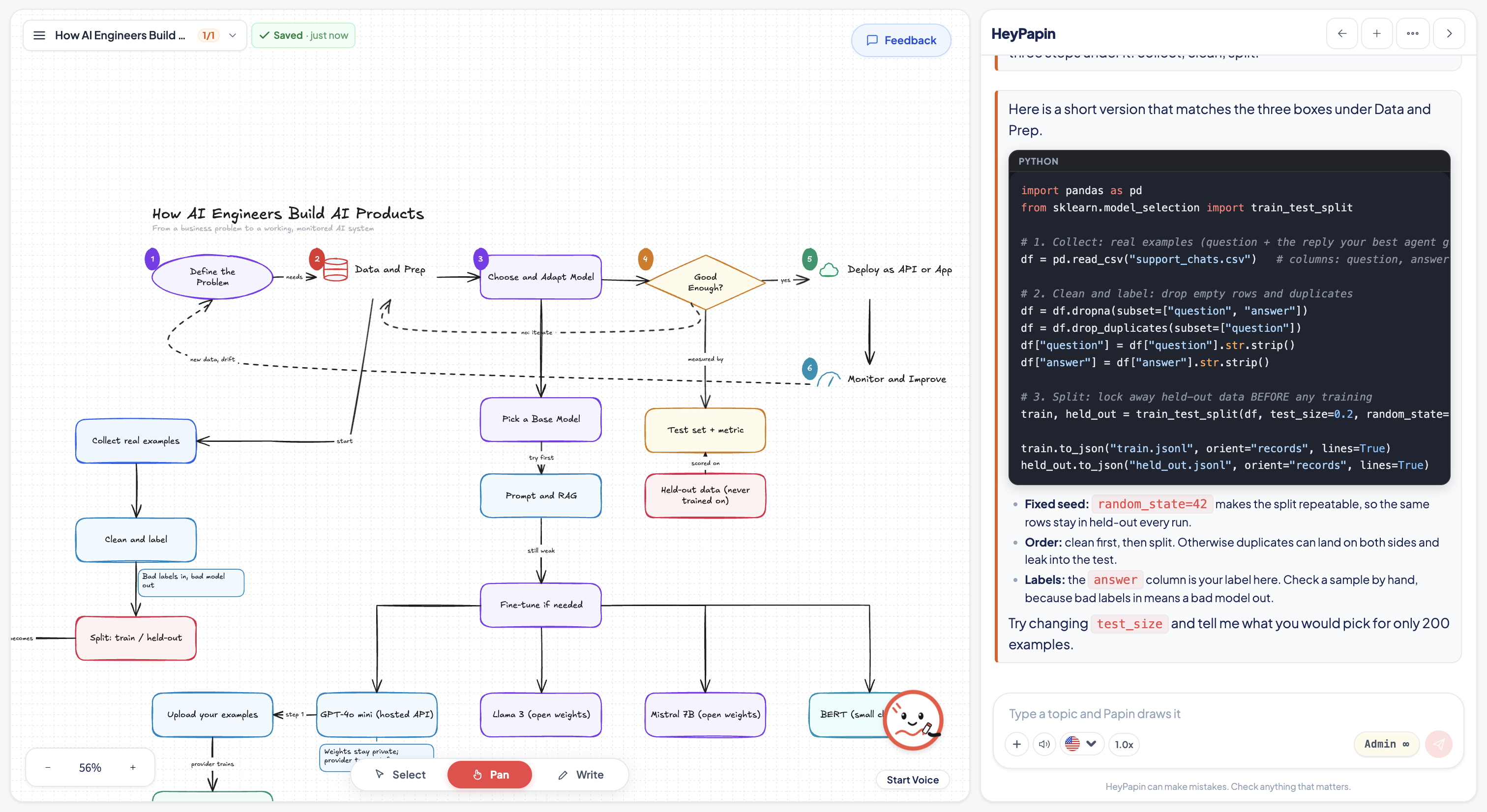
  • HeyPapin whiteboard showing an AI product architecture diagram with Python code in the chat rail

    Architecture paired with code

    From system design to Python code. Papin maps out the architecture and explains the implementation side by side.

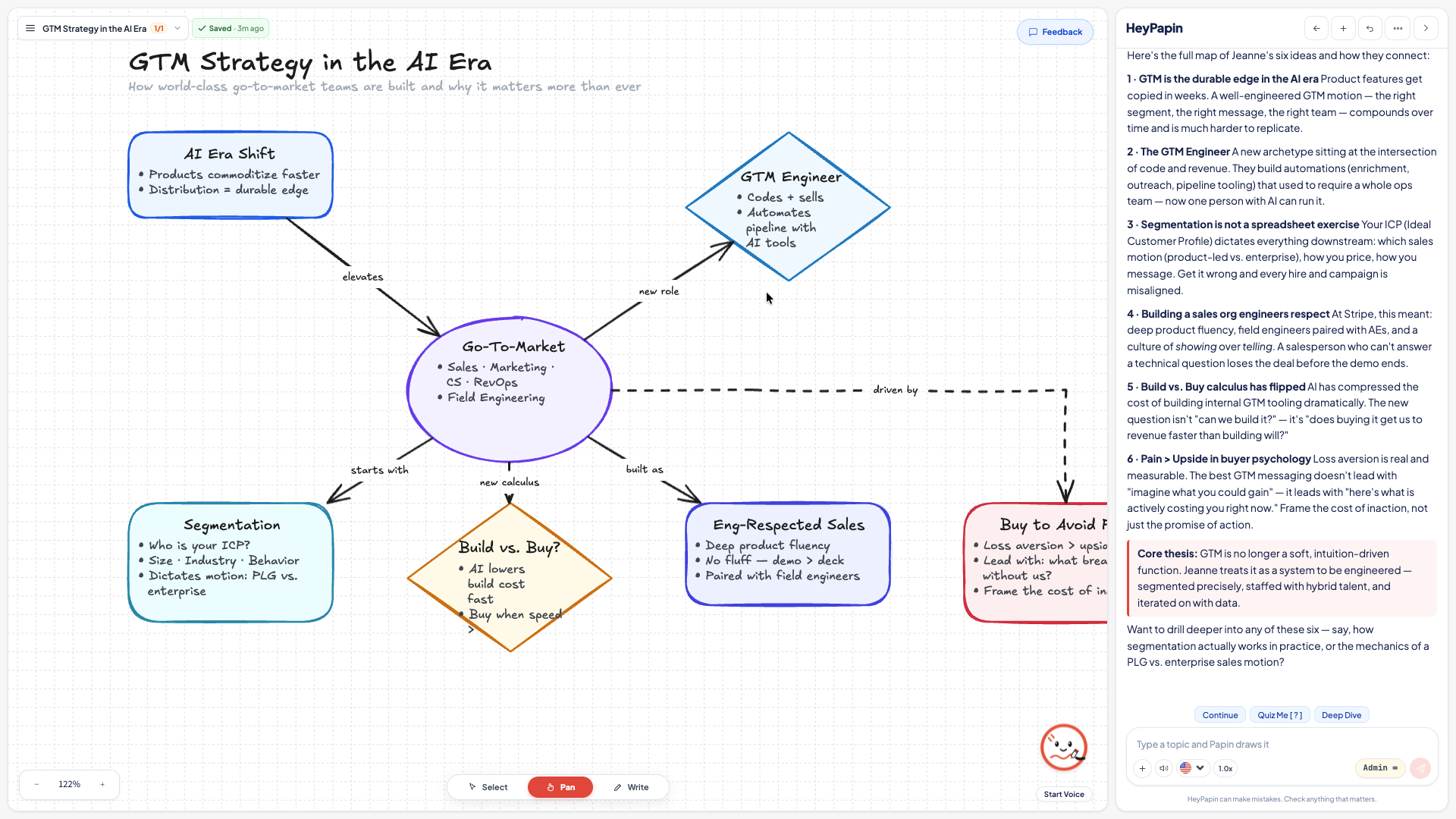
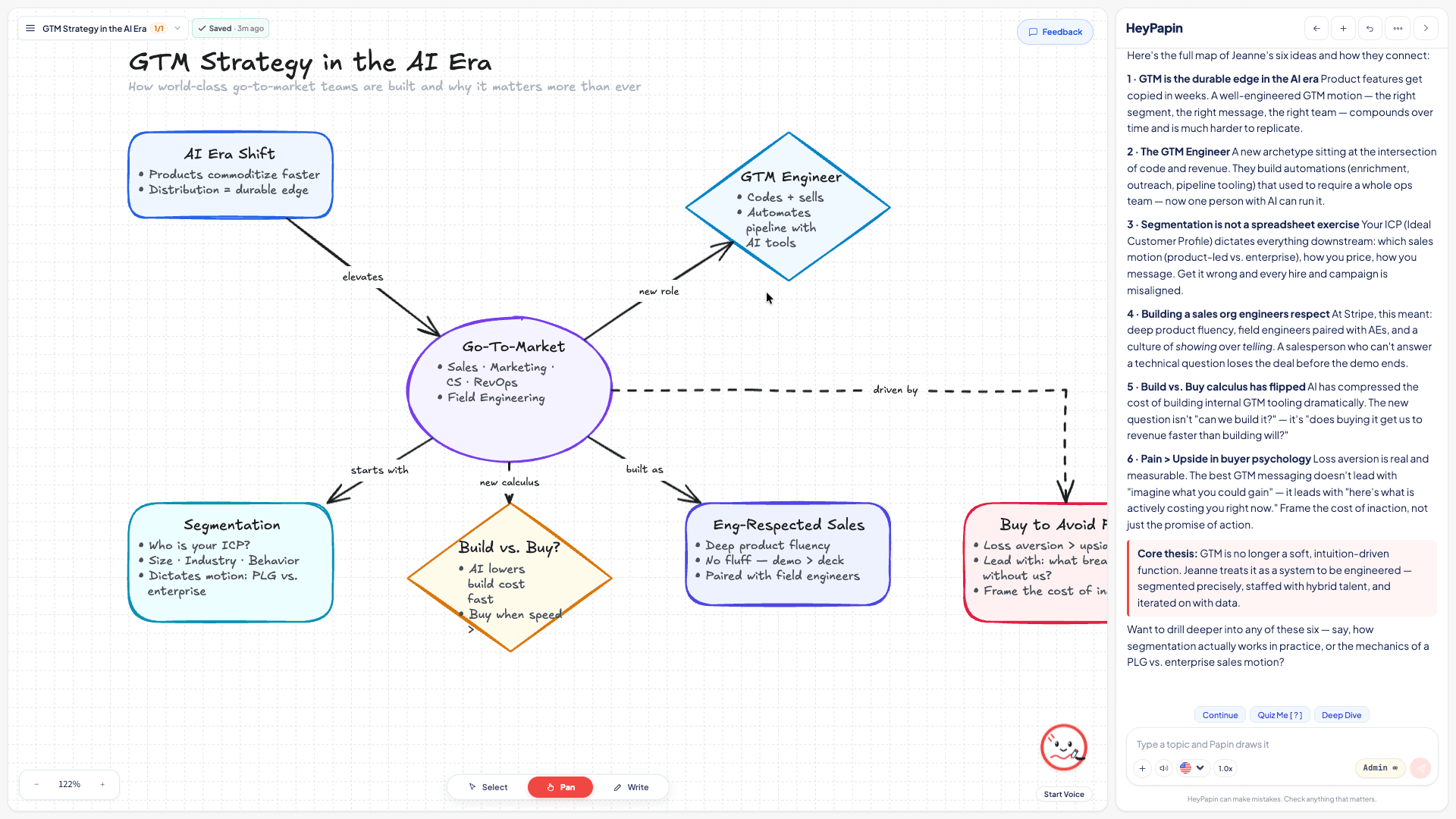
  • HeyPapin whiteboard showing a Go-To-Market strategy mind map with diamond decision nodes

    Multi-branch decision trees

    Complex strategic frameworks and decision trees — every concept node remains addressable for deeper exploration.

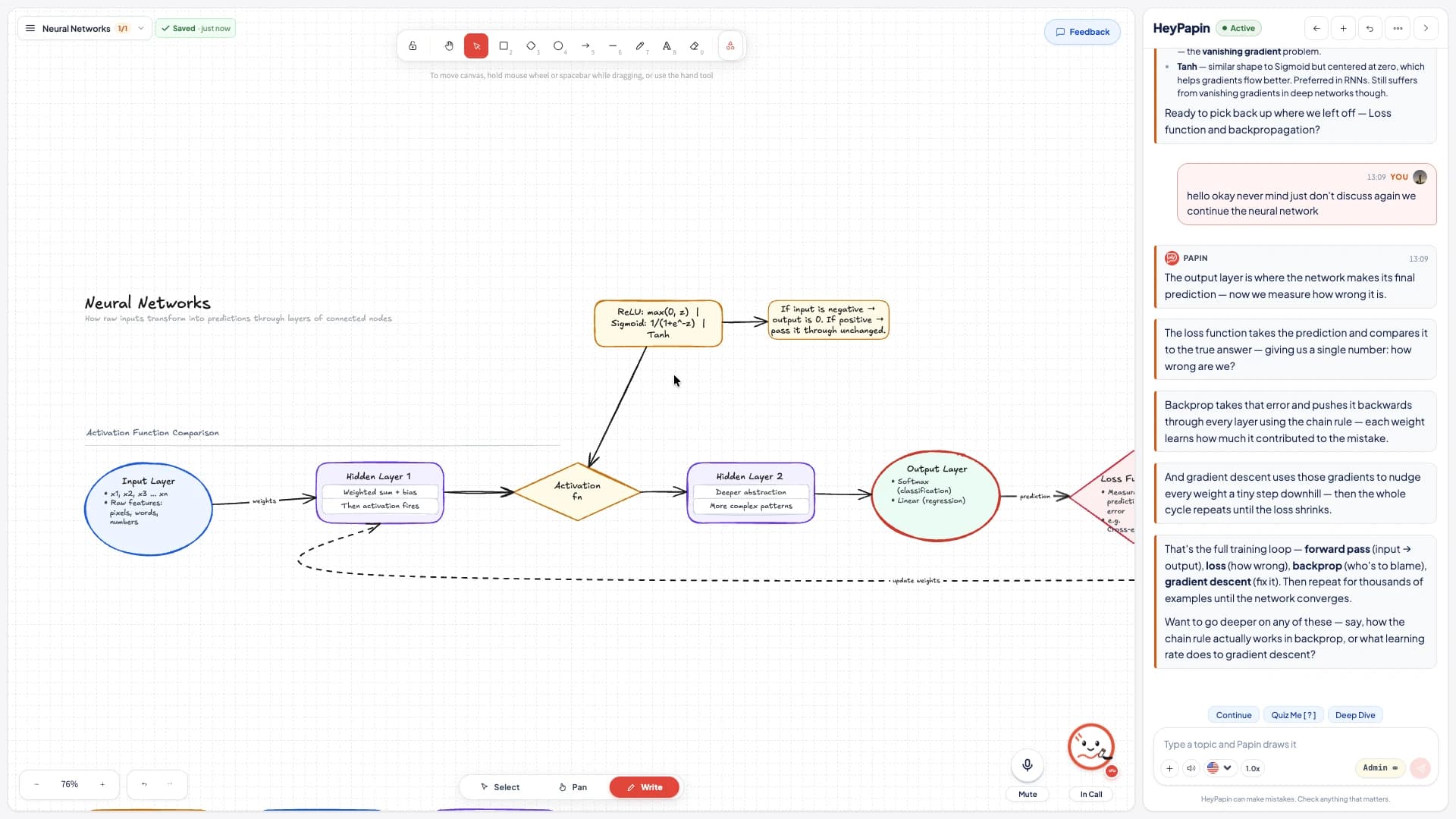
  • A neural network diagram filling the whiteboard, with the chat panel beside it

    One canvas, the whole lesson

    Every object stays on the same board. Nothing scrolls away as the explanation goes on.

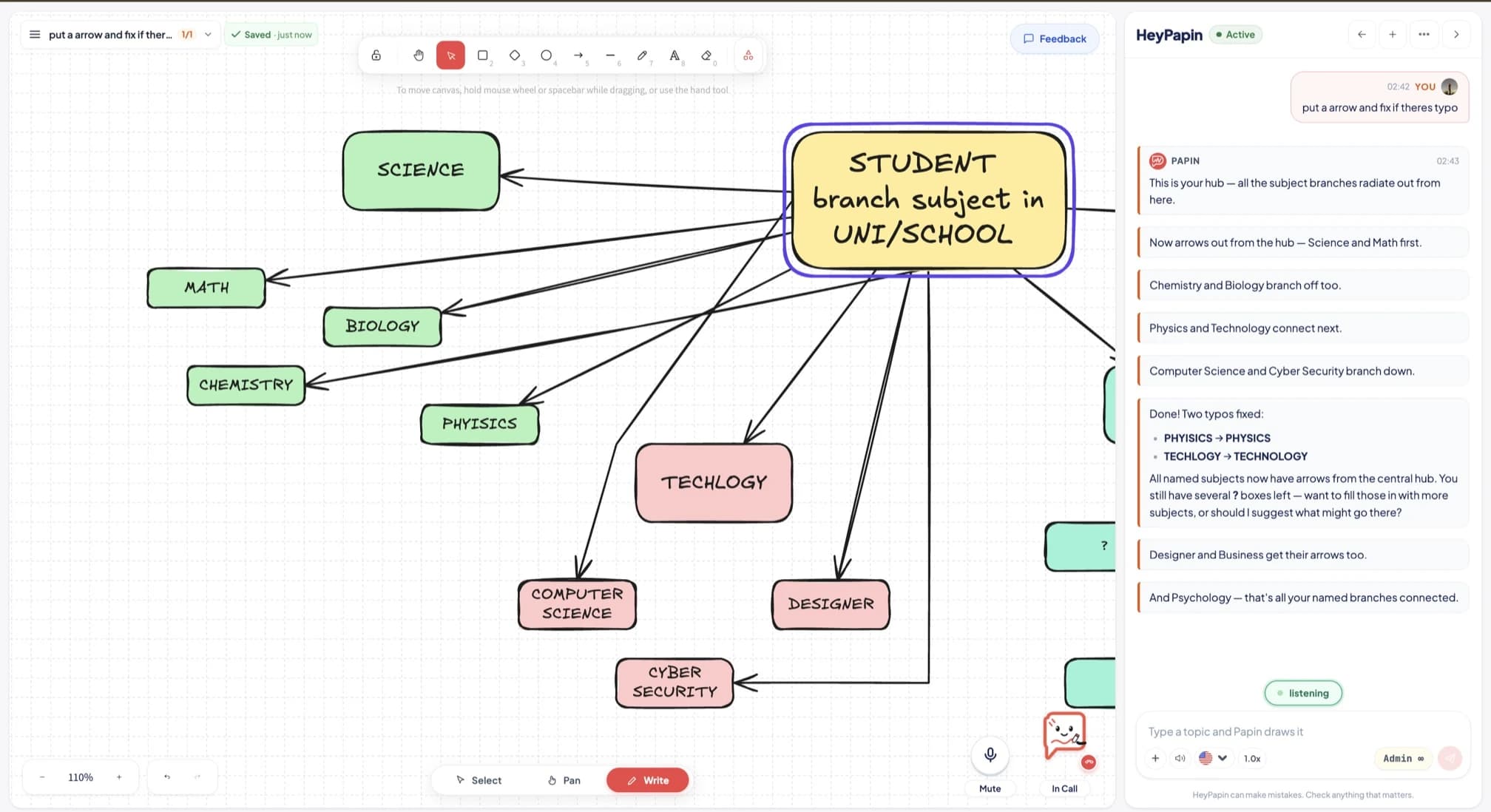
  • A HeyPapin board in Write mode: the drawing toolbar above, hand-drawn arrows between subject boxes

    Write mode is really write mode

    Shapes, arrows, text, colours, layers — the full drawing toolbar, on the same board Papin is using.

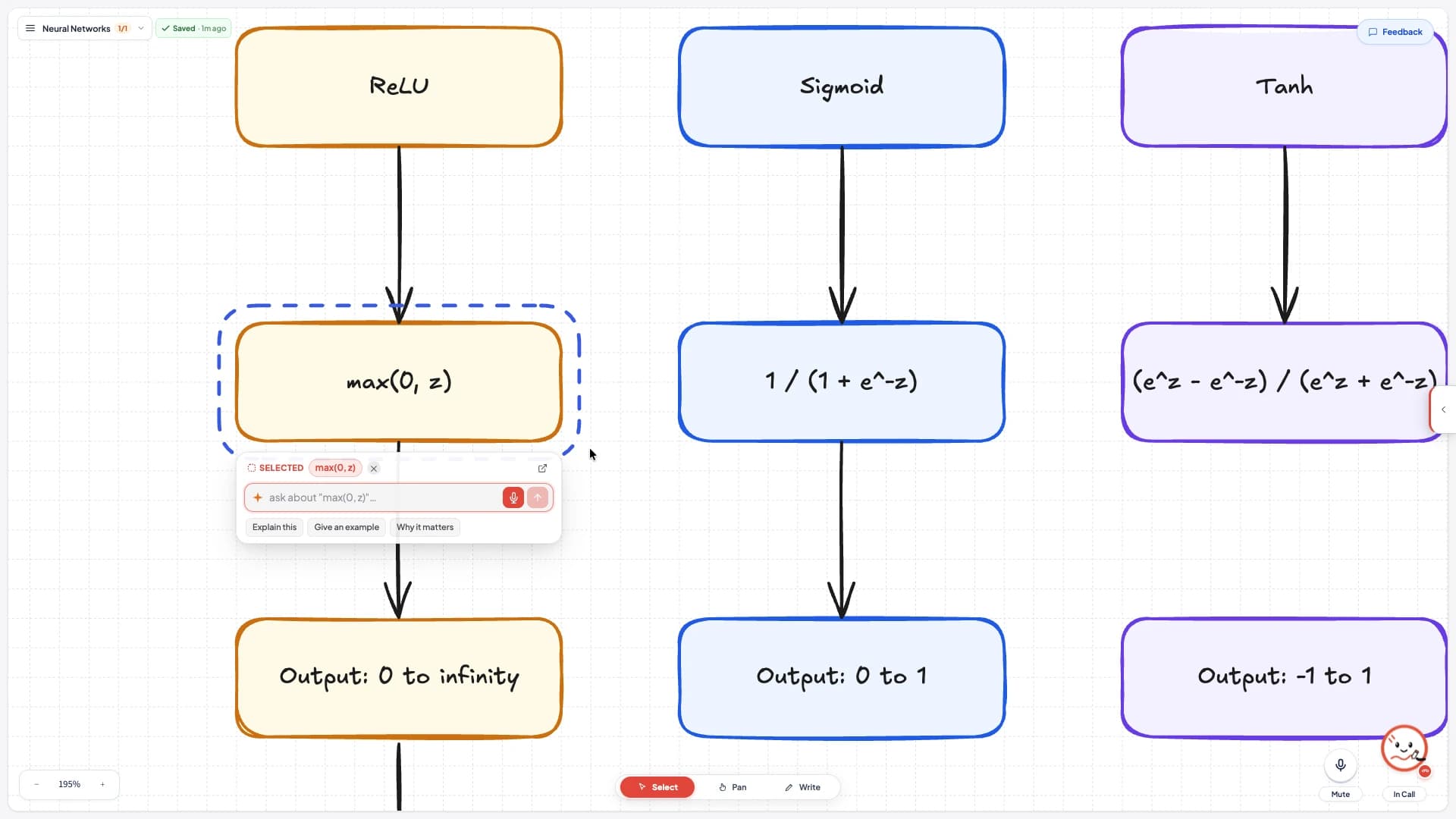
  • One box selected, with an ask field and Explain this, Give an example, Why it matters

    Ask about one object

    Select a box and ask right there. Explain this, give an example, or why it matters.

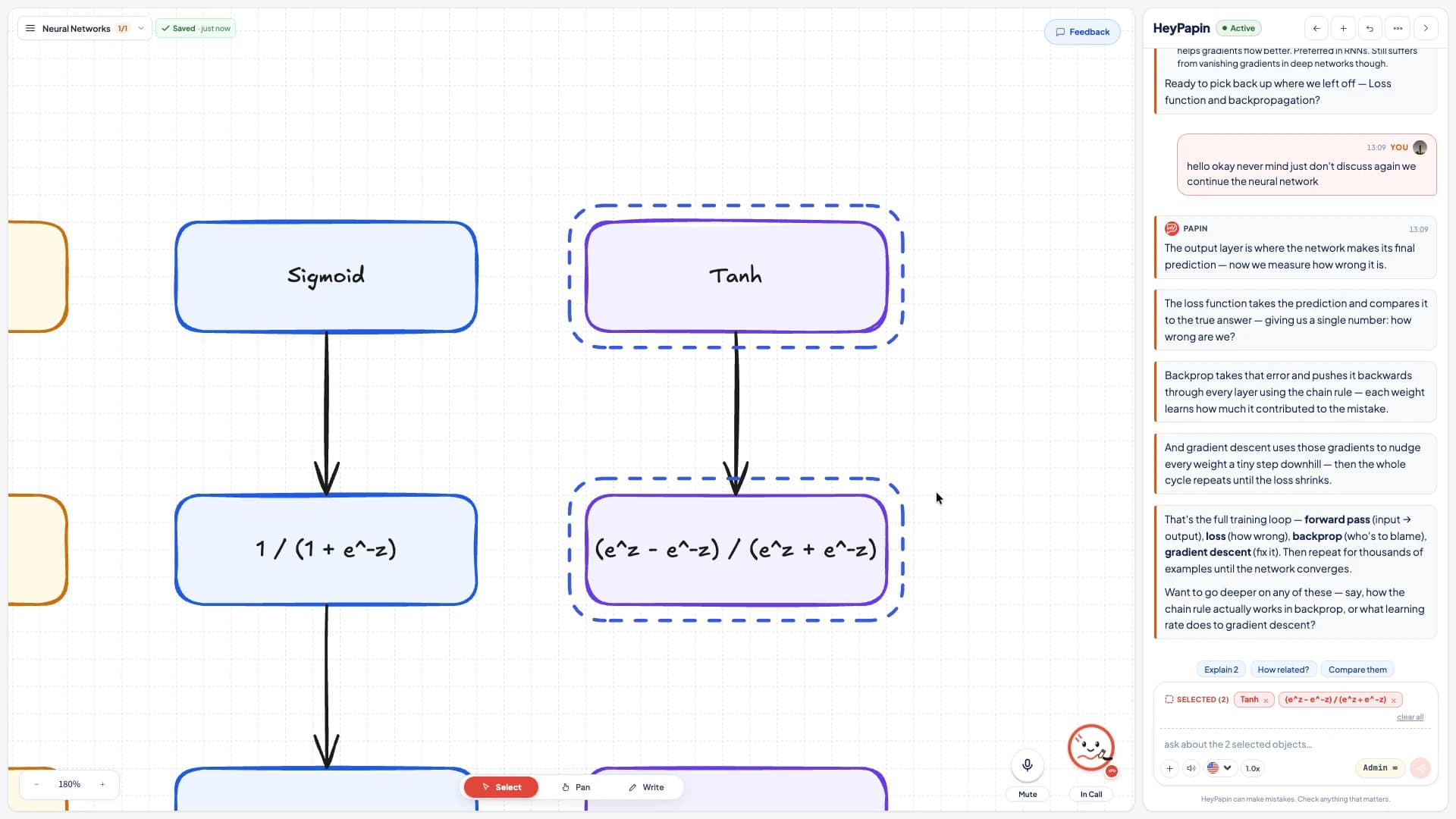
  • Two boxes selected at once, with Explain 2, How related and Compare them

    Select several, ask once

    Pick two objects and ask how they relate, or have them compared side by side.

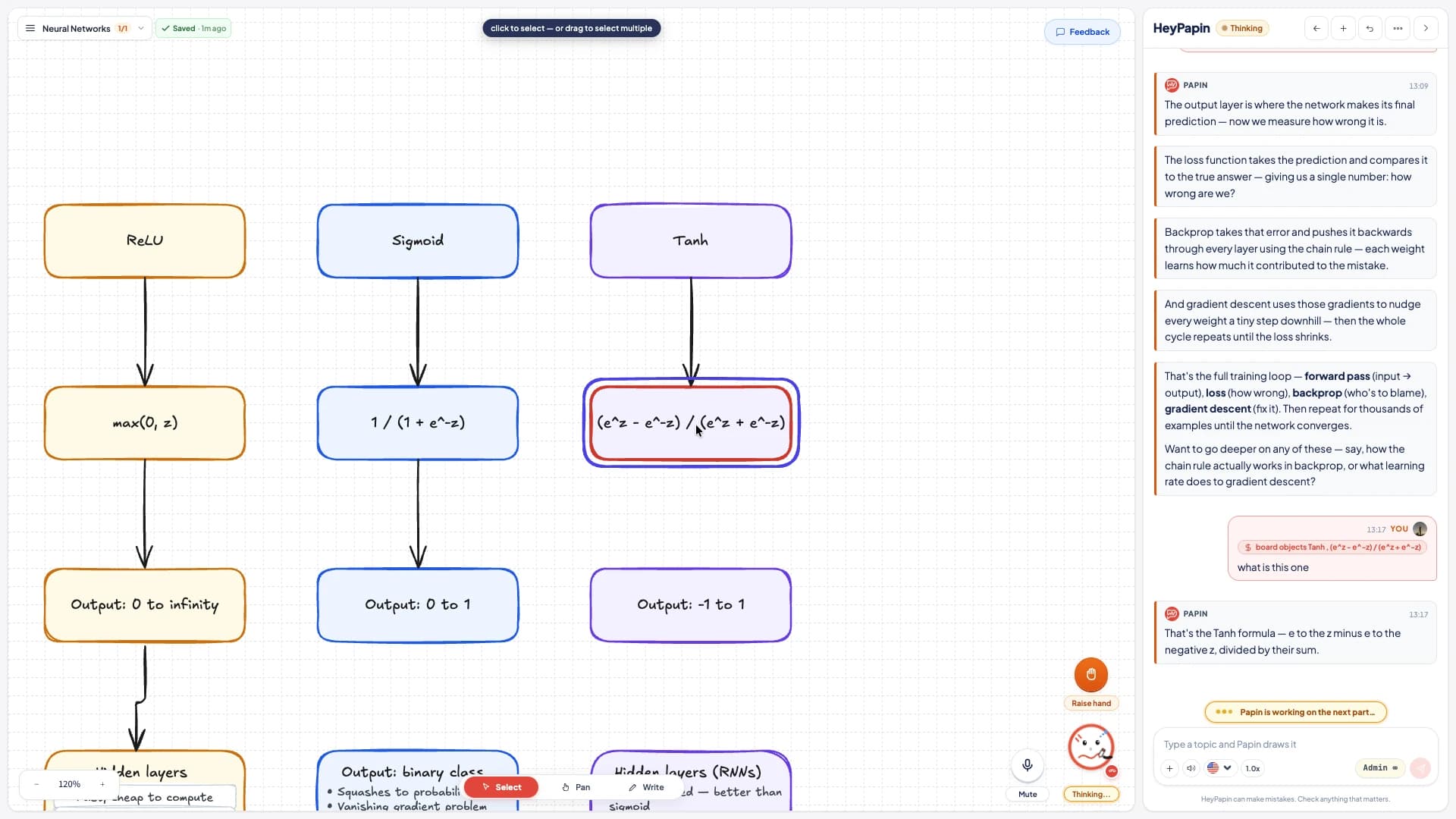
  • The object just asked about ringed in red, and named as a chip in the chat

    It shows you what it read

    Whatever you asked about is ringed on the board and named in the chat, so there is no guessing.

Your board

Three things the board owes you

Shared

The board belongs to both of you

Unlike static video lessons, the whiteboard is shared in real-time between you and Papin.

  • Co-drawingDraw shapes, write formulas, or move items with the pen. Papin notices and builds upon your input.
  • Cut in any timeNo need to wait for a 20-minute video to finish before asking about step two.
  • Voice & VisualThe narration and diagram drawing occur in lockstep, pointing to elements as they are described.
  • Real HandwritingScribble your own formula with the pen, then ask. That sketch is read and answered directly on the board.
  • Ask by pointingClick any diagram object to ask about it, and the AI tutor focuses on that exact node immediately.
Signed in, free

Every board you draw stays yours

All your session boards are saved automatically to your account. Open any previous session anytime and pick up right where you left off, handwriting and diagrams intact.

View your saved boards
PDF · YouTube · Article

Bring your own document

Upload a PDF, research paper, lecture notes, or homework assignment. Papin reads it and teaches directly from your document, drawing relevant diagrams step by step.

What it cannot do yet

Better to read it here than to find out after you sign up. Here's what Papin is not built for yet.

  • Not yet

    Three languages for now

    Papin teaches in English, Indonesian and Malay. Other languages aren't supported yet, for the voice or the board.

  • Not yet

    No graphs or coordinate geometry

    The board is boxes, circles and arrows. It can explain a function, but it can't plot y = 2x + 3 or place a point at (3, −4).

  • Not yet

    Fine-grained mathematical proofs

    Step-by-step rigorous epsilon-delta proofs or extensive symbol manipulation are still better done with dedicated symbolic CAS engines.

  • Not yet

    Very long documents are searched, not read whole

    PDFs can be uploaded and read, scans included. Papin reads the first 8,000 words, then searches the rest for the passages that match each question — so a detail can be missed, and a whole book does not fit.

  • Not yet

    Coding & live executable environments

    Papin explains software architectures and algorithms visually, but doesn't run live Python or terminal sandboxes inside the canvas yet.

  • Not yet

    Rapid multi-turn voice debate

    Voice recognition is optimized for interactive tutoring and pauses, not for rapid-fire multi-person debating.